Interactive Digital Signage: designing for round and transparent touch screens at eyefactive
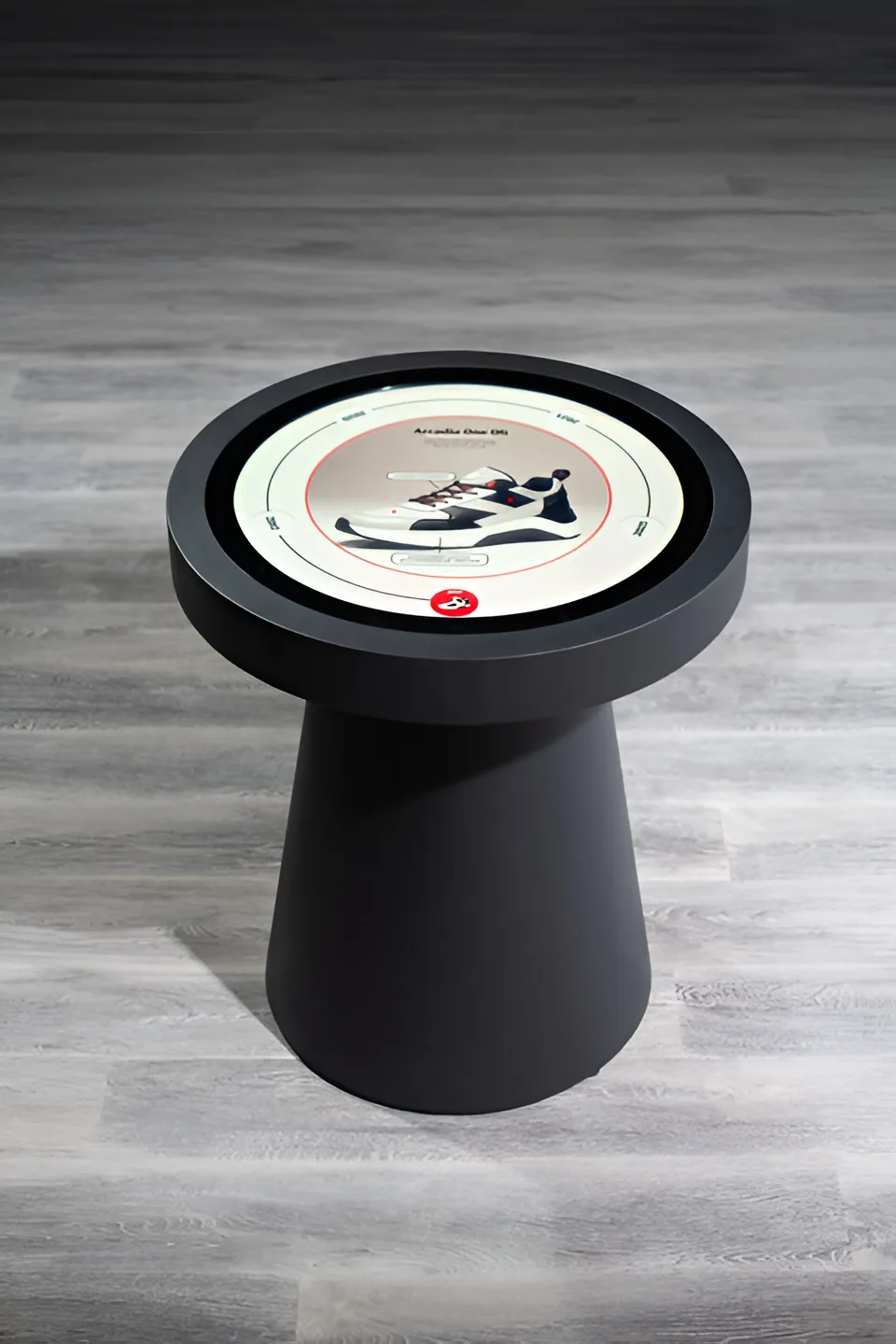
Designing for round and transparent touch screens at eyefactive, whose clients include BMW and Philips. My 3-day demo for a round table was shown at international trade fairs.
Problem
eyefactive needed a demo that shows what its software can do on a brand-new round touch table. Grid layouts fail on a circle, there were no product assets, and the deadline was three days.
What I did
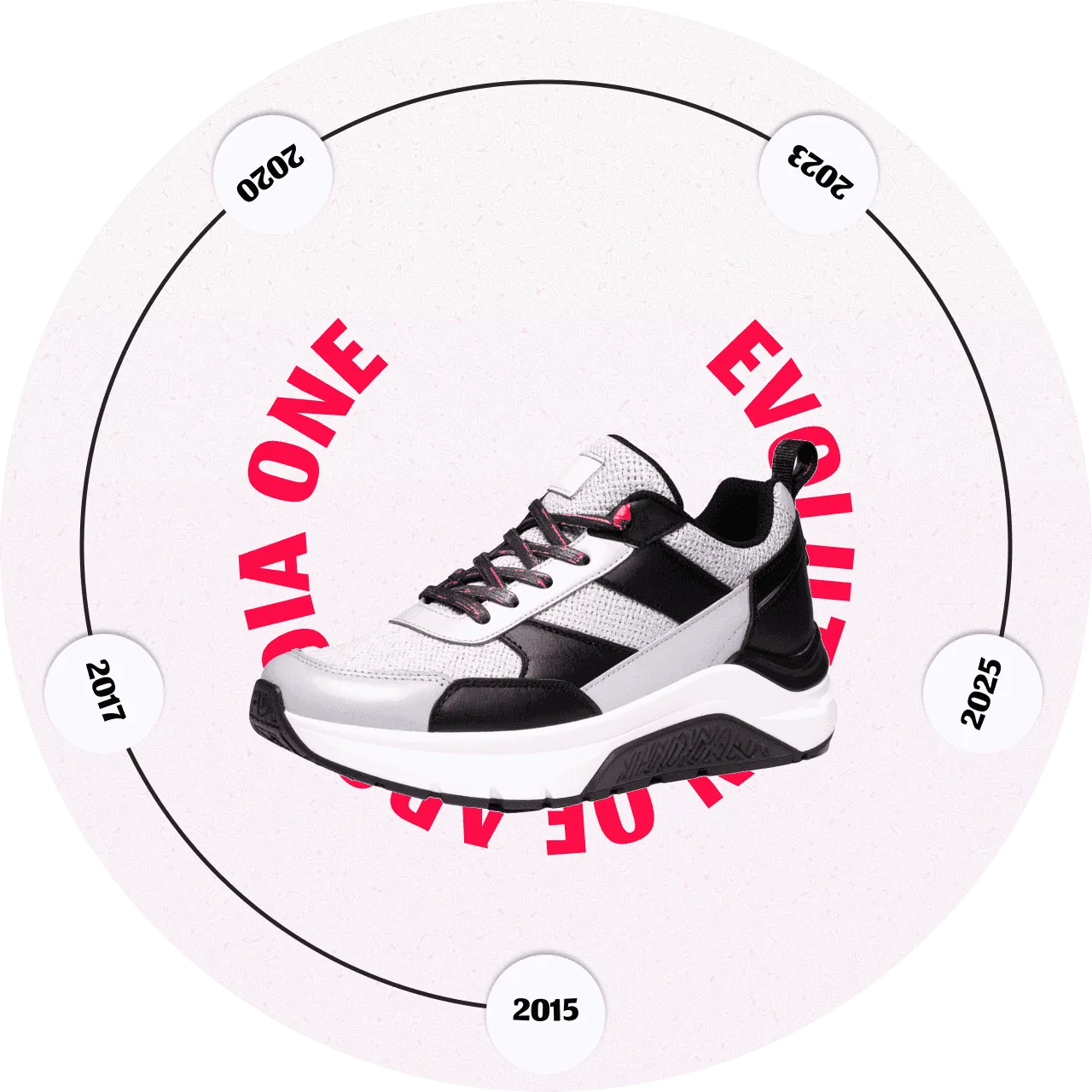
I designed a 360° sneaker timeline for the table: one person at a time, who can stand anywhere around it. I built the screens in Figma, made the product images and 3D model with AI tools, and built the project in AppSuit.
Outcome
Designed and built in 3 days. Shown to visitors at Touchpoint Talks and used by sales as a demo for the new round table. The feedback was positive: next to an earlier demo that focused on features, mine focused on design, so together they showed visitors everything the table can do.
Overview
During my internship at eyefactive, a company building large multi-touch displays, I worked where physical hardware and interface design meet.
The Apollo round table project was a demo to show how eyefactive's software can turn a "true round" display into a smooth experience. I came up with a 360° sneaker evolution timeline from scratch. With no product assets provided, I built a workflow with AI tools and stock libraries to create realistic product content.
The process
Day 01
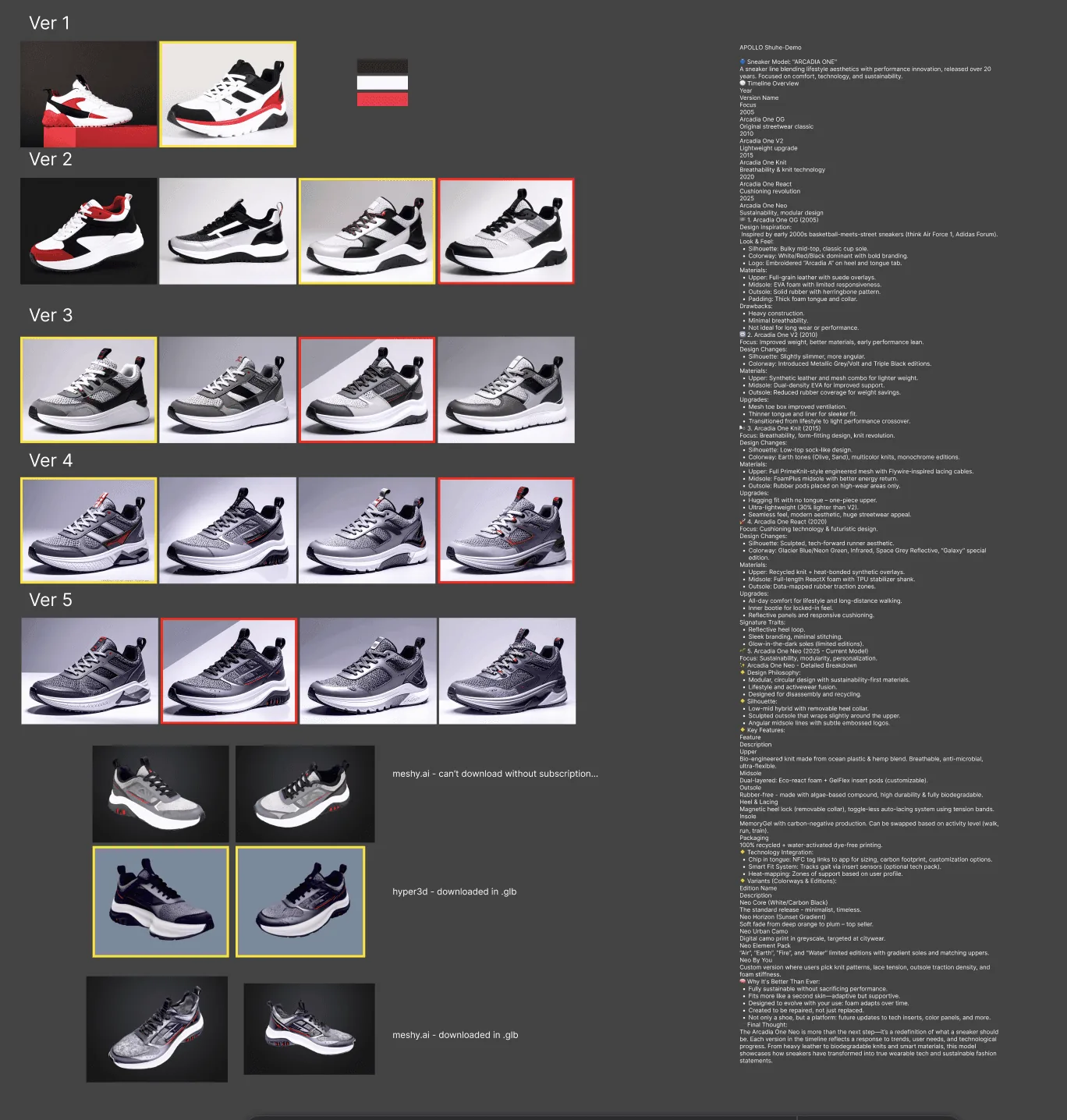
Concept and asset creation
- Defined the "Sneaker Evolution" concept.
- Used AI tools (Nano Banana, ChatGPT, 3D-model AIs) to generate the product images, 3D model and textures. The concept, layout, UI and interactions are my own design.
- Sketched layout ideas focused on a "circular-outward" hierarchy: instead of a top-down layout, elements can rotate or be reached from any side of the table.
- Collected data about the hardware (size, resolution) and software (special settings to look out for).
Day 02
Design and implementation
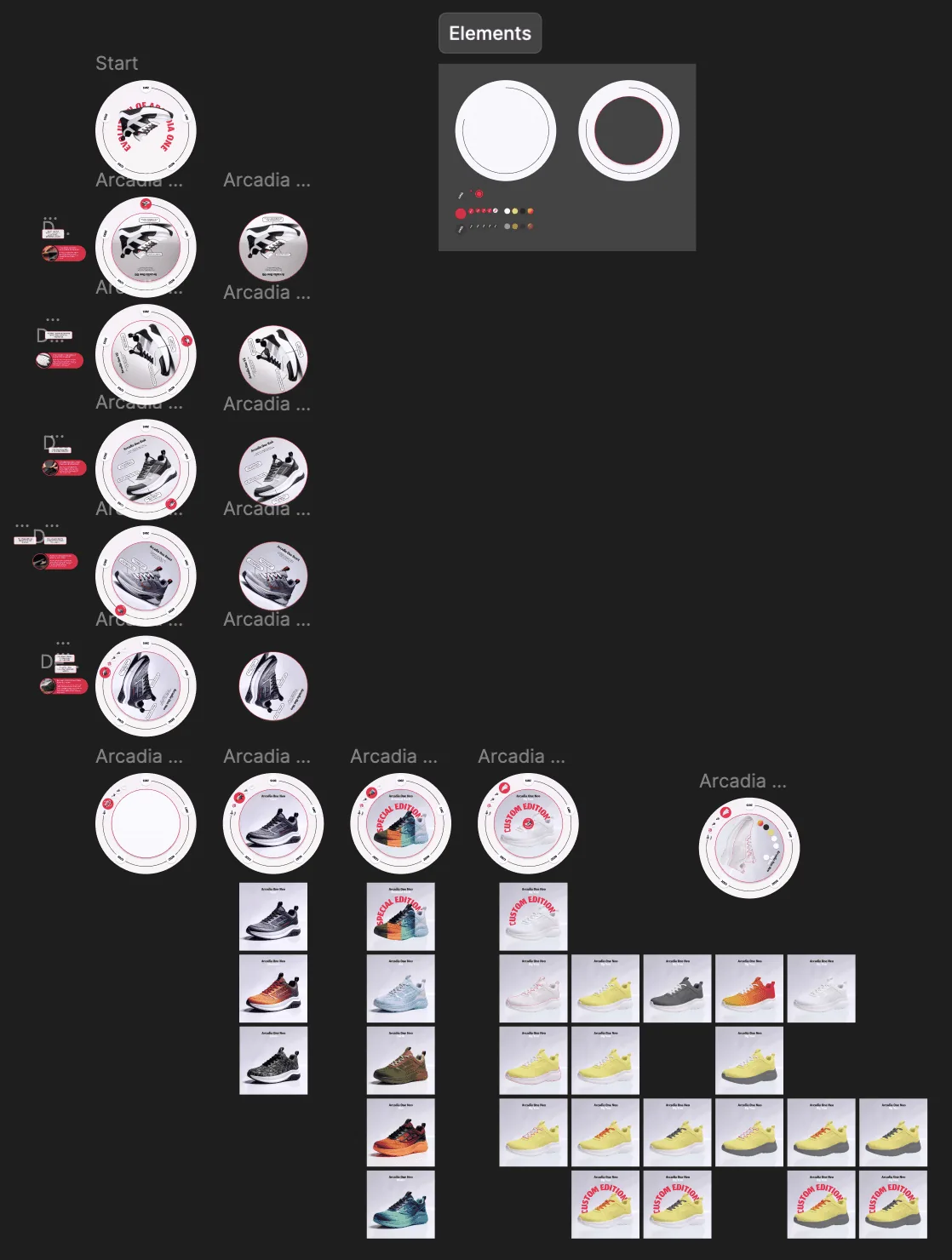
- Built the 360° spatial UI in Figma and moved straight on to the final build.
- As the hardware is special, I needed some code to get the final result.
Day 03
Testing and final implementation
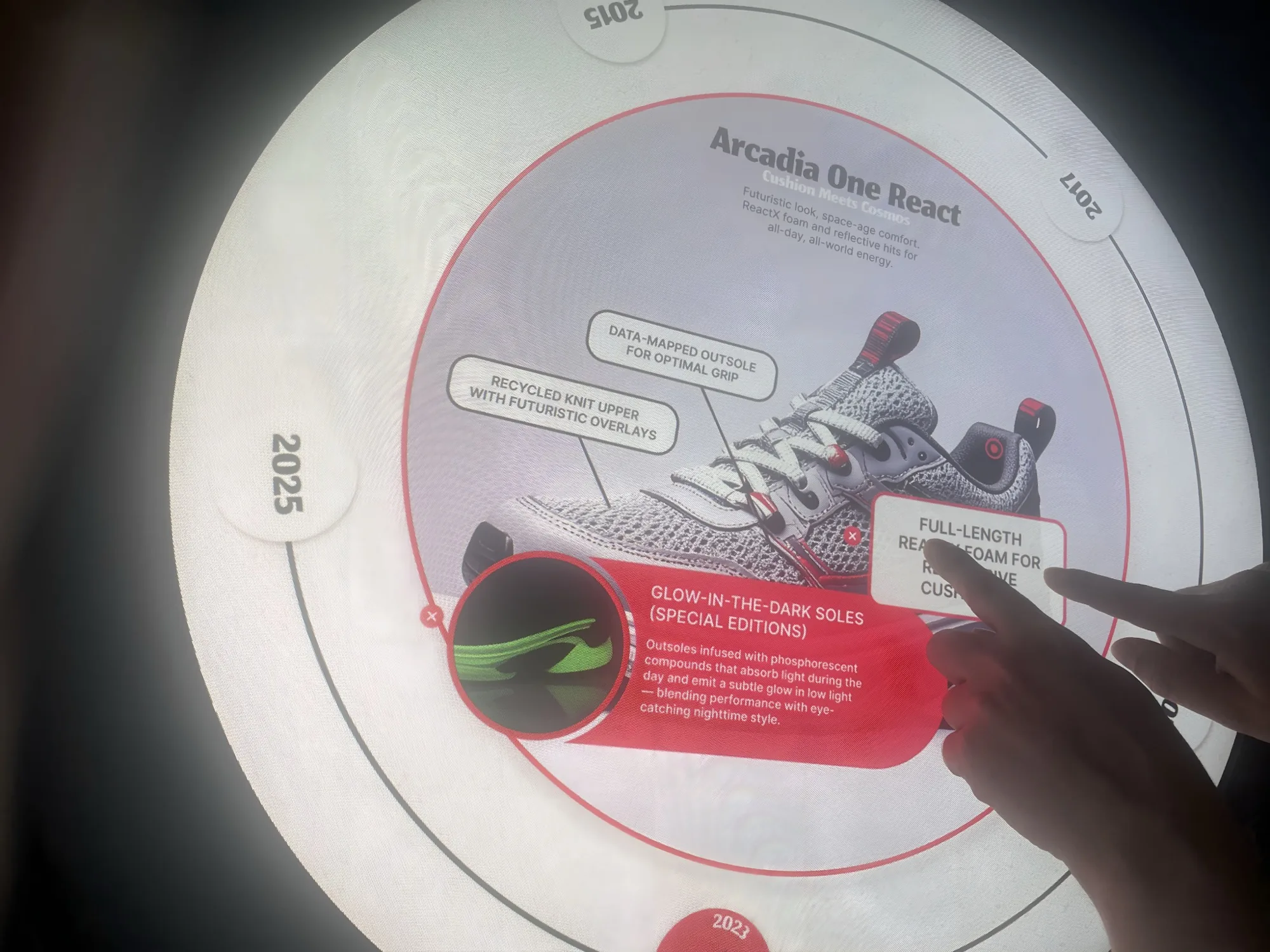
- Spent the day on the physical hardware, testing responsiveness and flow.
- Tested with colleagues and made changes based on their feedback: my mentor checked the design and interactions, the hardware team how the table ran, and the software team whether AppSuit needed special settings.
- Presented the final project to my mentor and the sales team.
After the 3 days
The trade fair
The table was taken to a trade fair and shown to visitors.
Key features
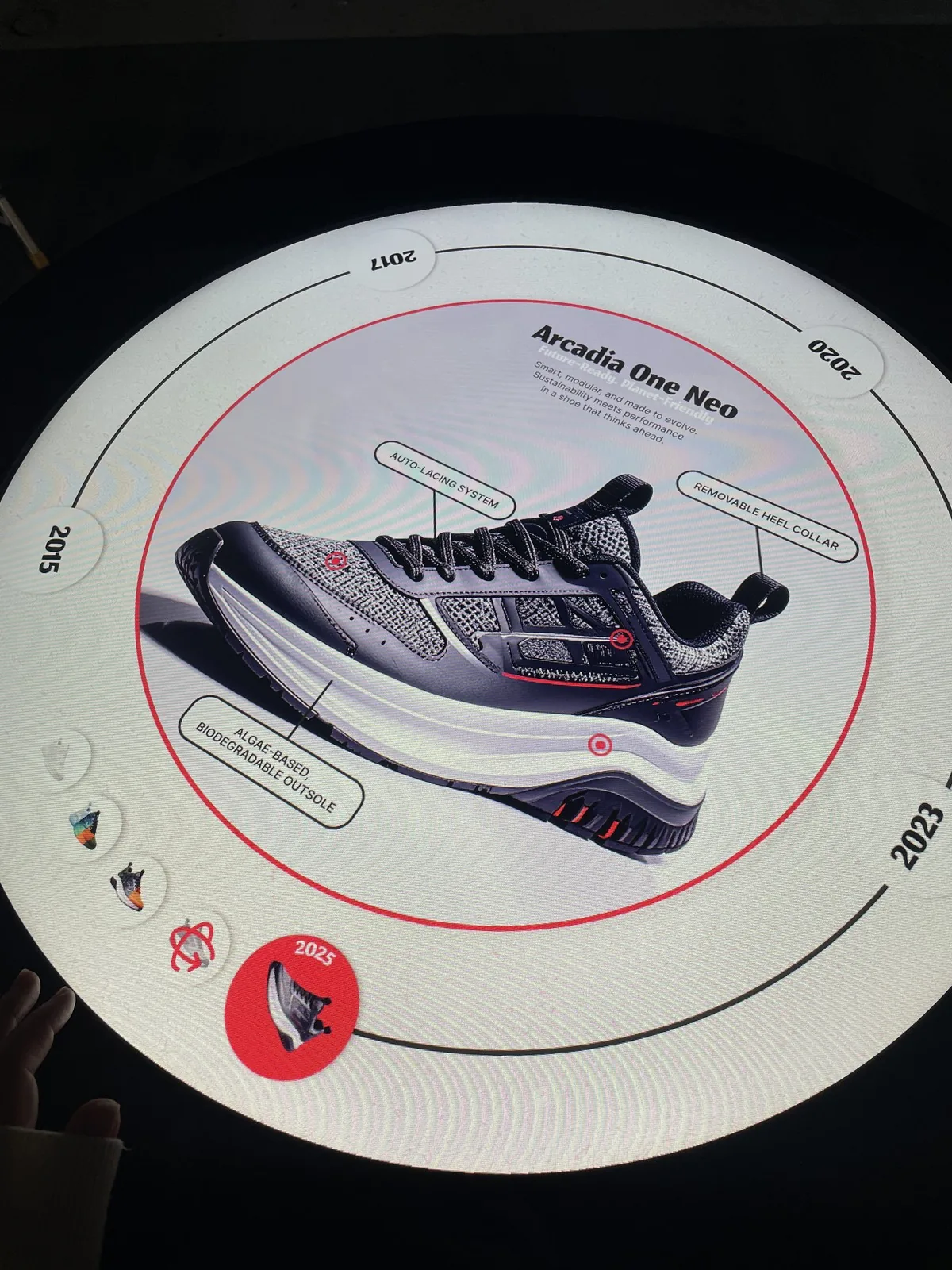
- Use from any sideDesigned for one person at a time, who can stand anywhere around the table: the screen can stay still or rotate towards them.
- TimelineAn interactive history module using high-resolution AI-generated assets to showcase smooth navigation.
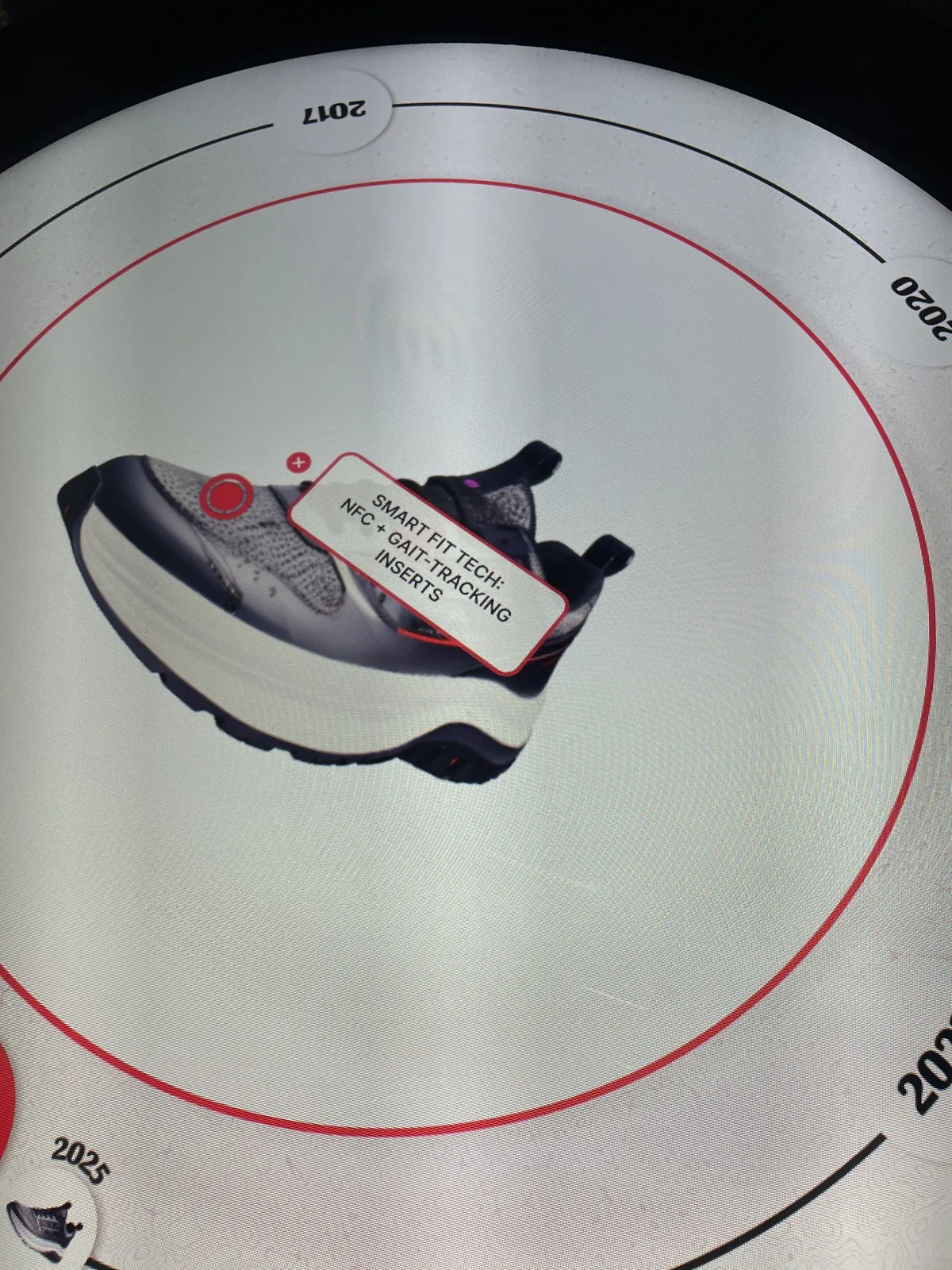
- Circular centre display with hotspotsThe centre always shows the shoe and key information; clickable hotspots make it more interactive.
- 3D modelAn AI-generated 3D model from an AI-generated image. It can be rotated and zoomed, with hotspots about special parts of the shoe.
Working with AppSuit
eyefactive develops its own software, AppSuit, where employees (and customers) can build interactive projects for the hardware. It supports multi-user and multitouch interaction, so several people can use a display at once. Object recognition is also built in: the table recognises a disk placed on it and shows the information connected to it.
The software has ready-to-use apps and features that can be customised (layout, design, different apps in one project) without building from scratch. For a more specialised look, I used XML to override the built-in features and settings.
As AppSuit can be limited by what is already built in, I often had to get creative, find solutions that weren't obvious and adapt quickly to new information. As the fresh eye in the company, I wasn't stuck in a box from years of use, and had ideas that surprised my colleagues.
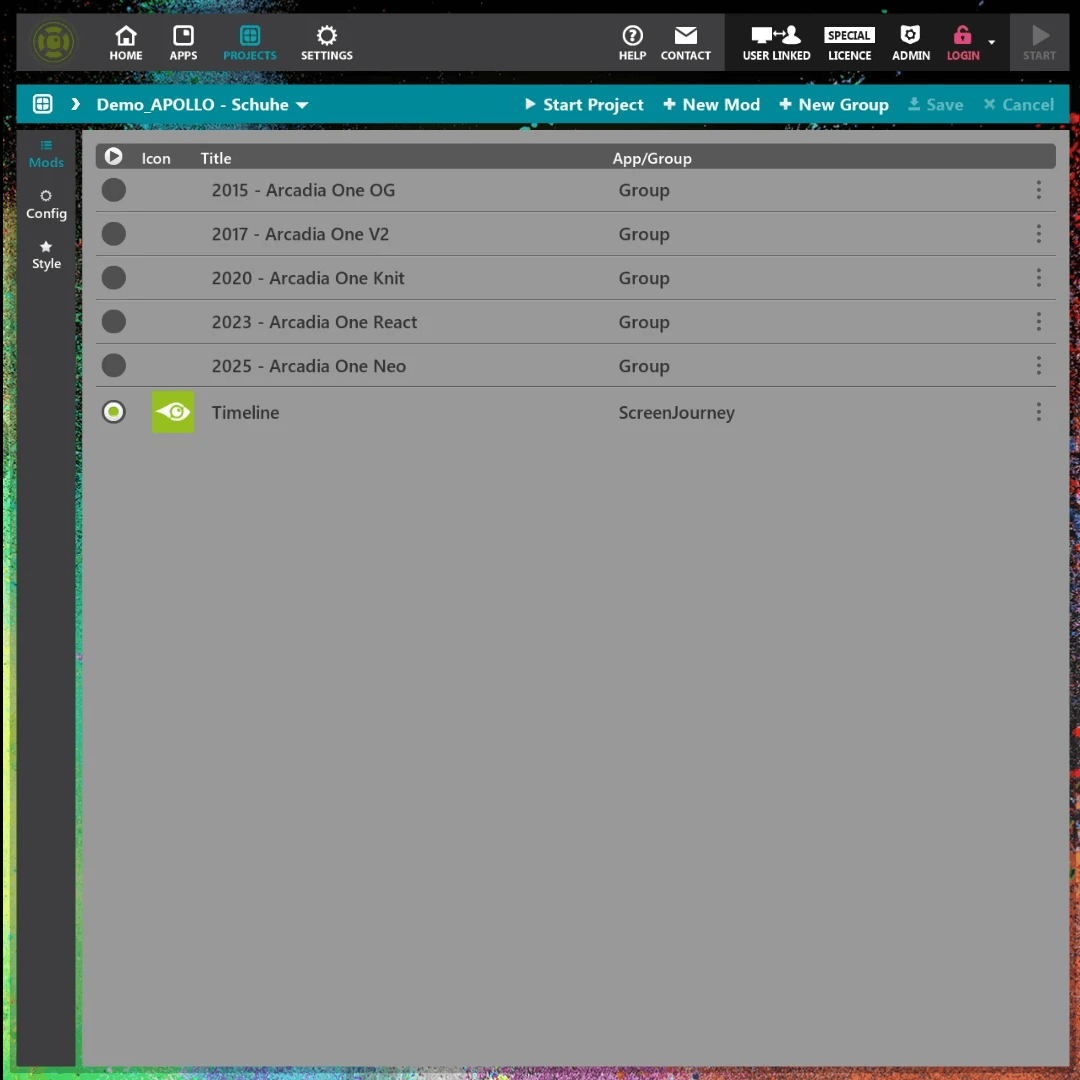
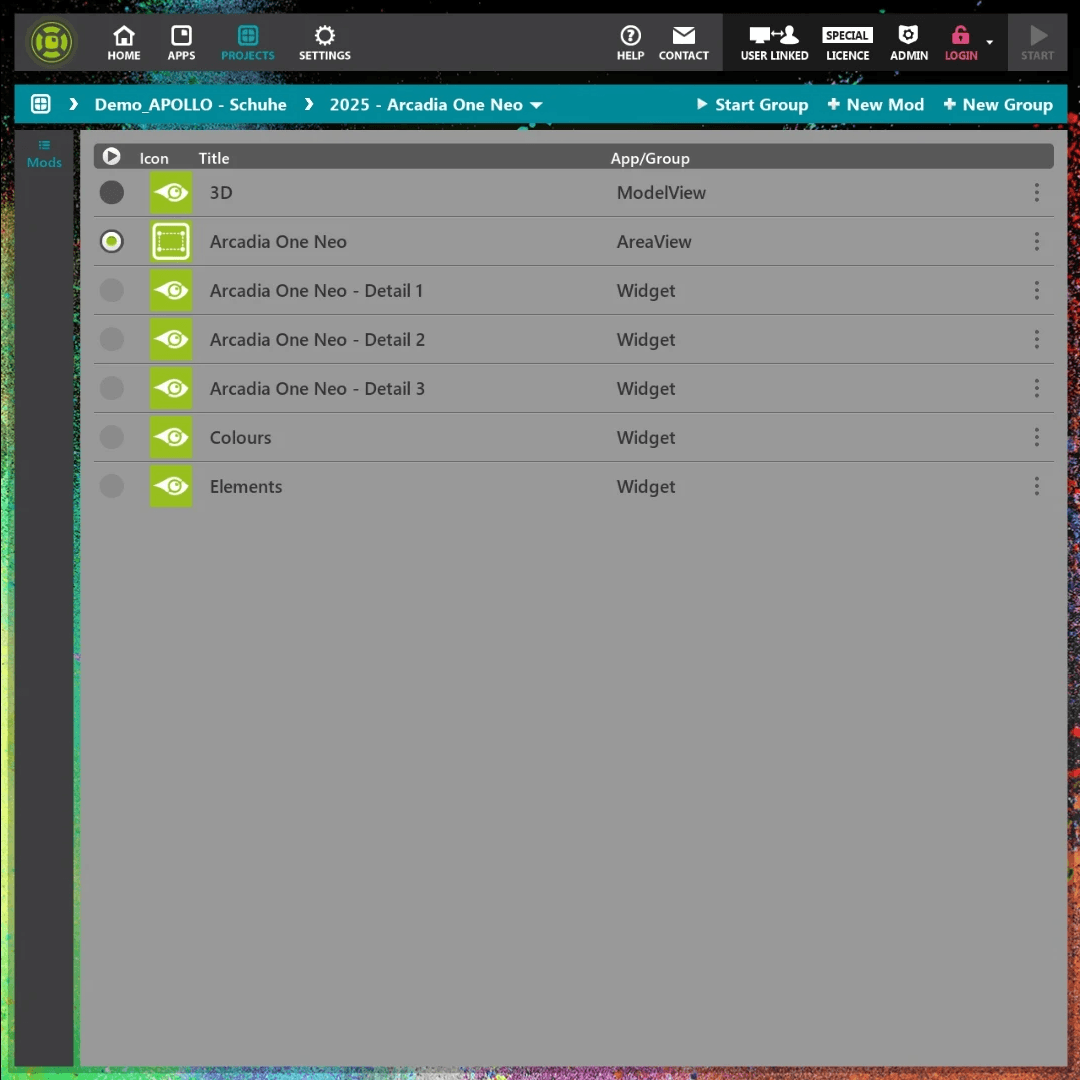
The main menu of AppSuit
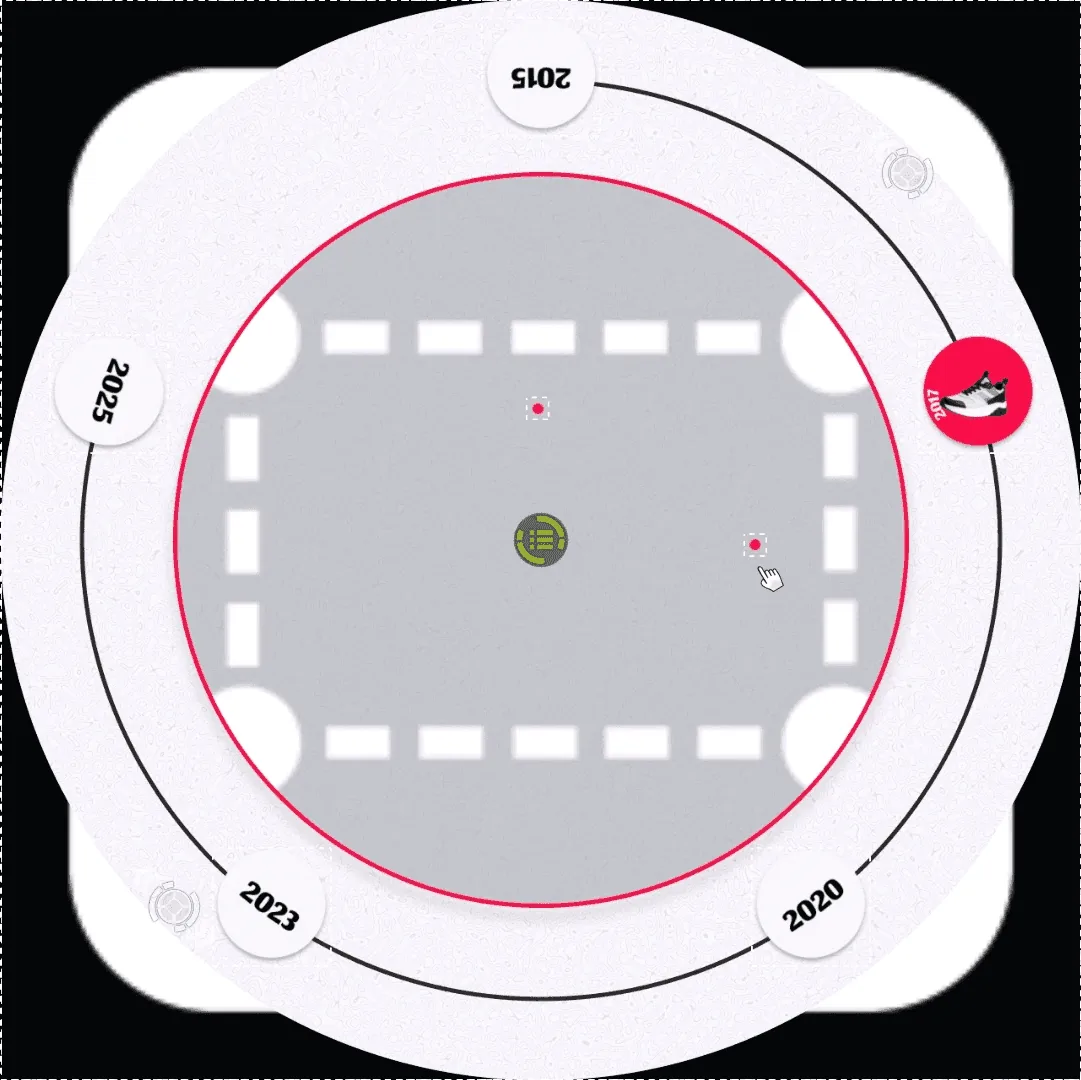
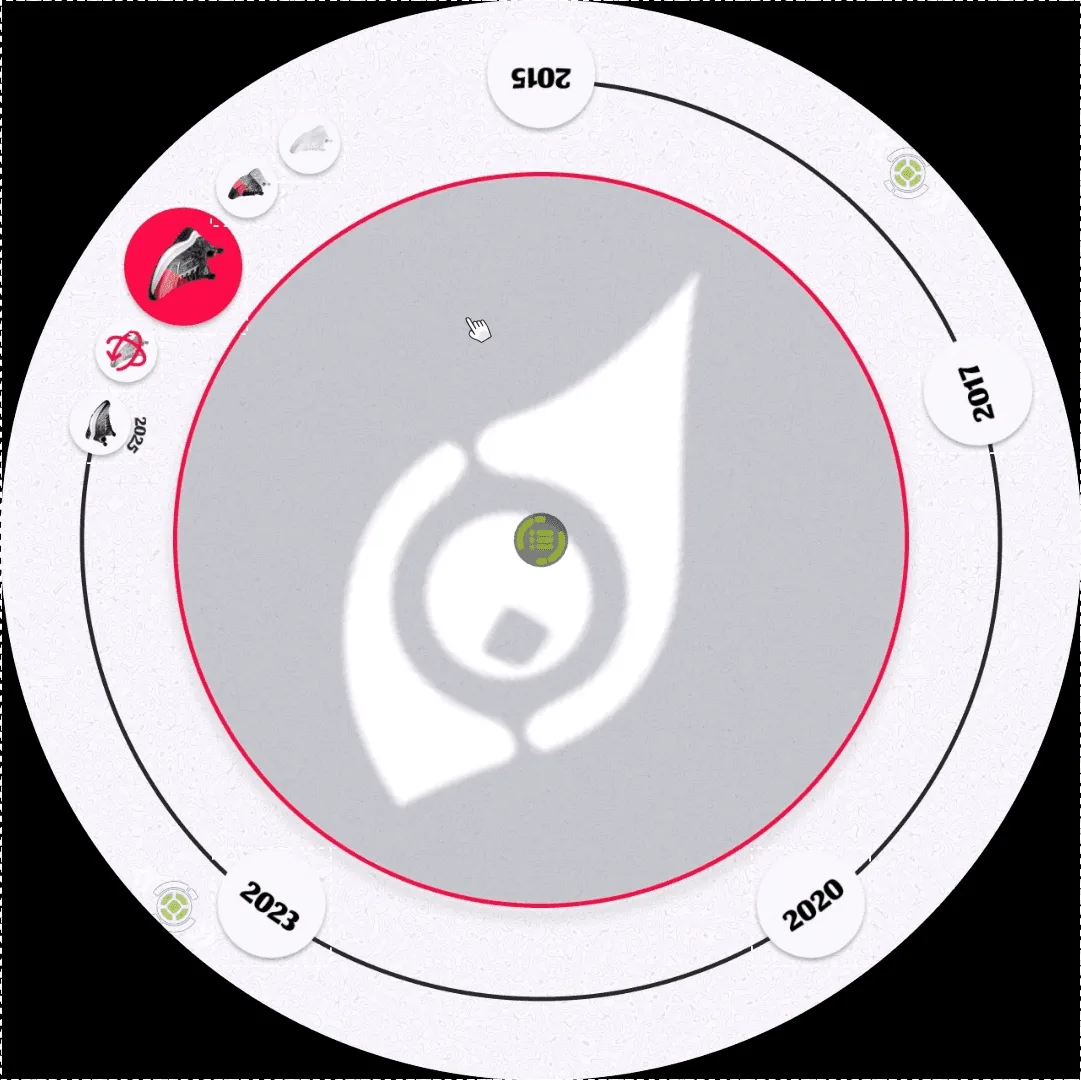
The project view in editing mode
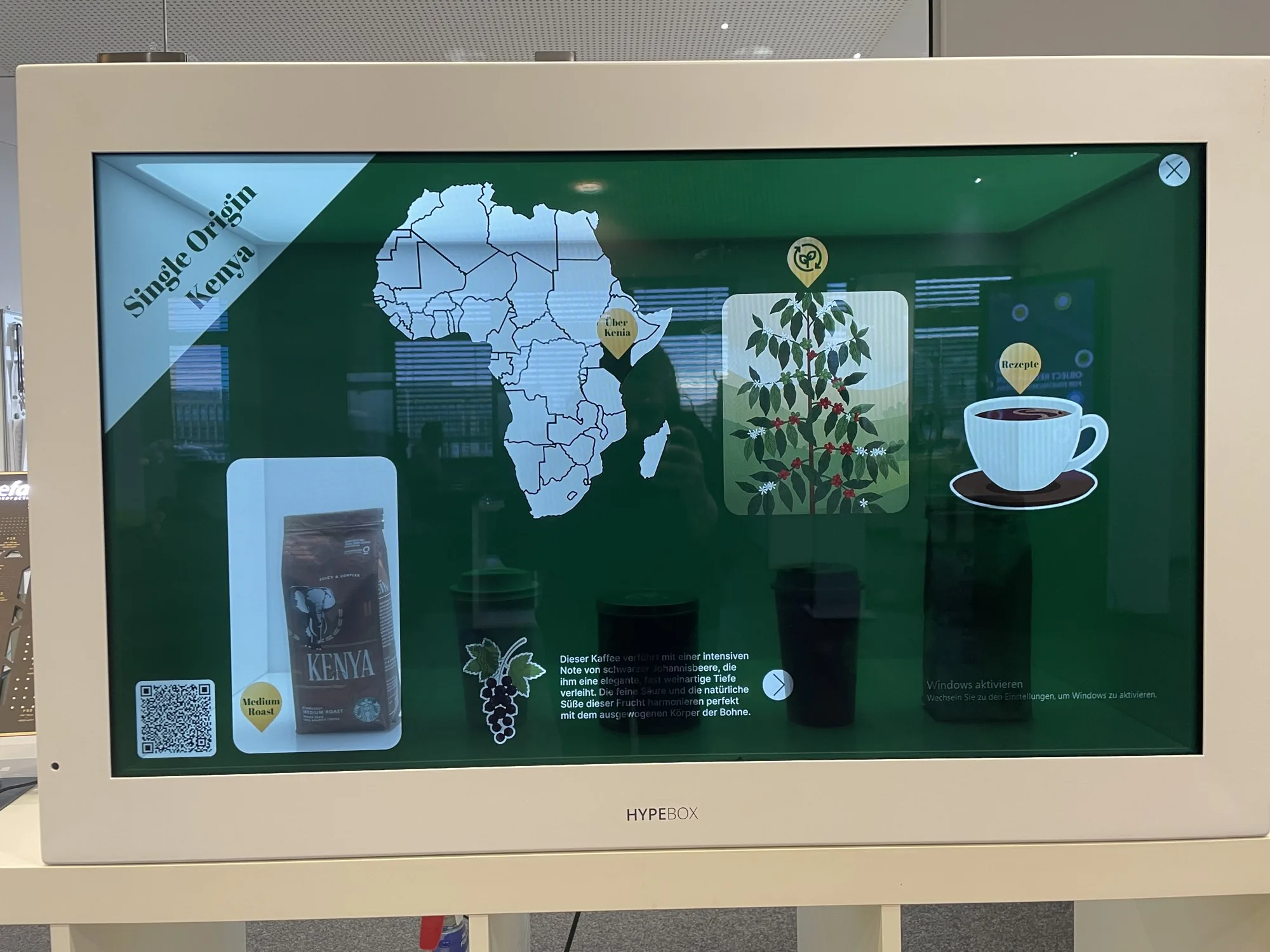
A second decision: HypeBox
Don't hide the product, highlight it
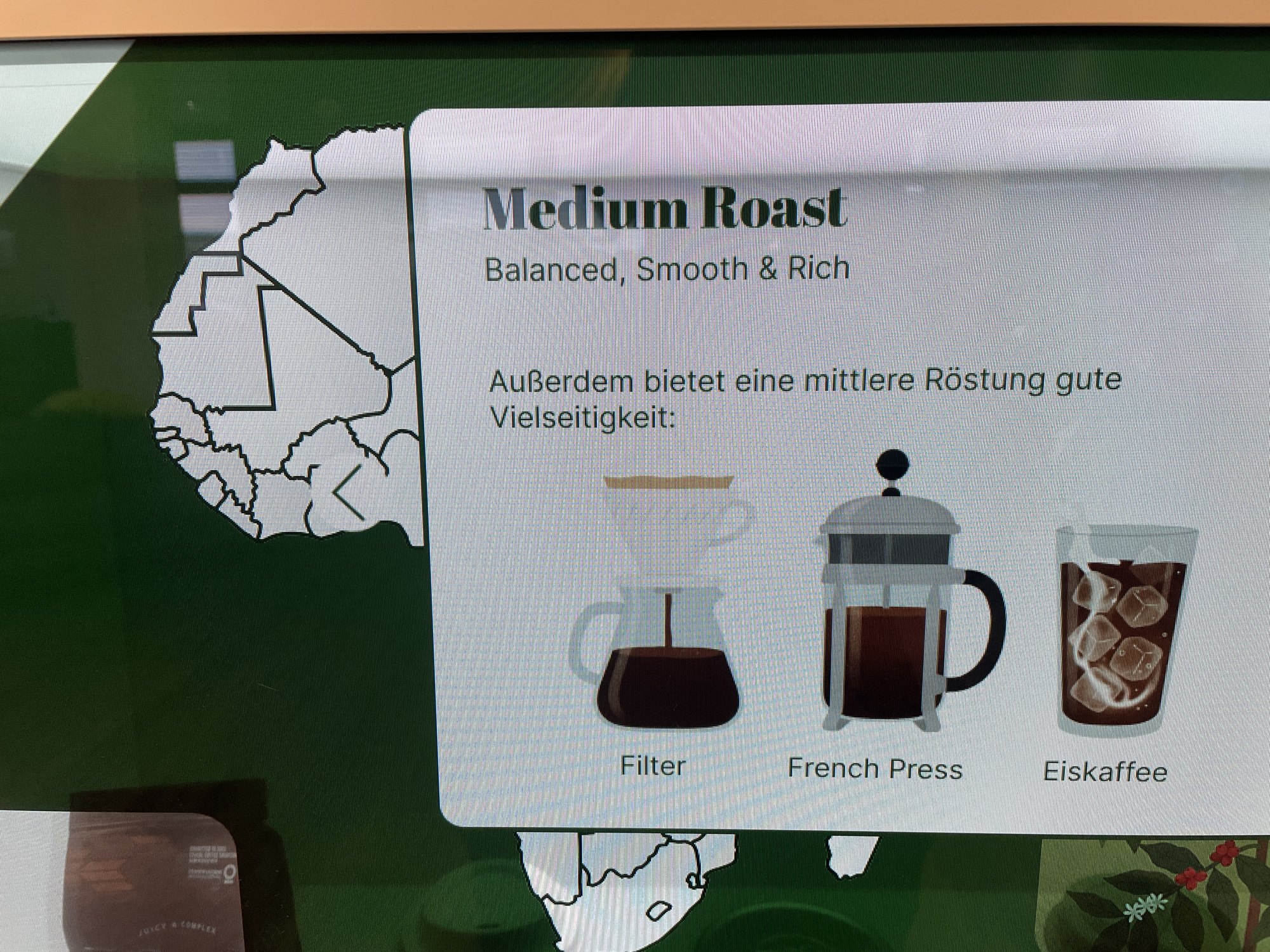
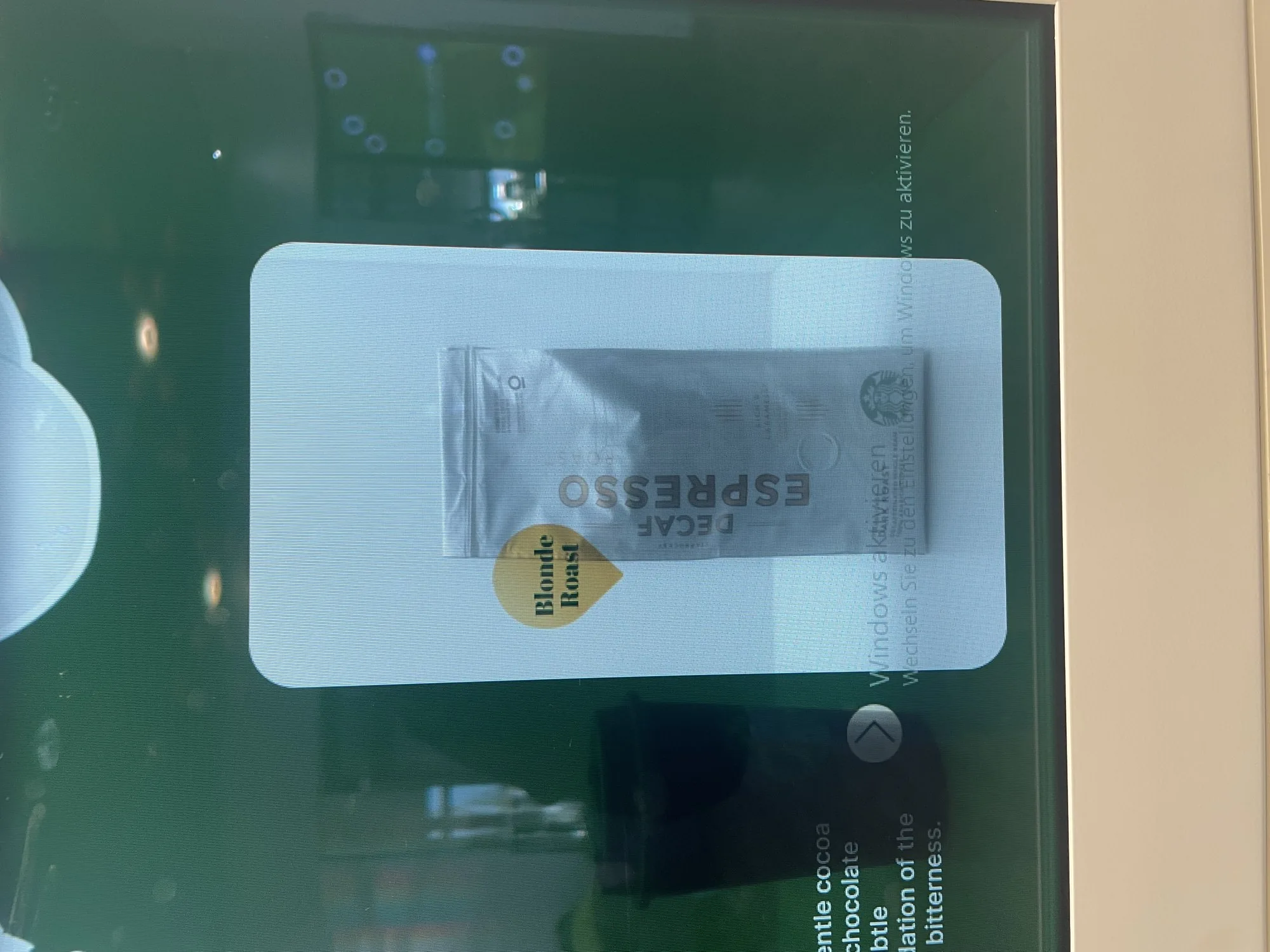
The HypeBox has a transparent touchscreen in front, so a real product can be placed inside while the screen stays interactive. The challenge is to design interactions that don’t hide the product but highlight it. My showcase project for it presents a range of coffee products: tapping a product opens its origin on a map, its roast profile and serving suggestions.
Outcome
- A demo built in three daysDesigned and built from scratch in three working days, then shown at international trade fairs.
- Used by salesA "success story" for sales, showing AppSuit running on non-standard hardware.
- A design language for round displaysPatterns eyefactive can reuse for future client projects. I also showed the team my AI workflow so they can use it too.
What I learned
Three days was a test of focus, and it showed me how much is possible when the scope is clear. Designing for a circle, and for a screen with a real product behind it, taught me to design for the physical world, beyond the 16:9 phone screen.